


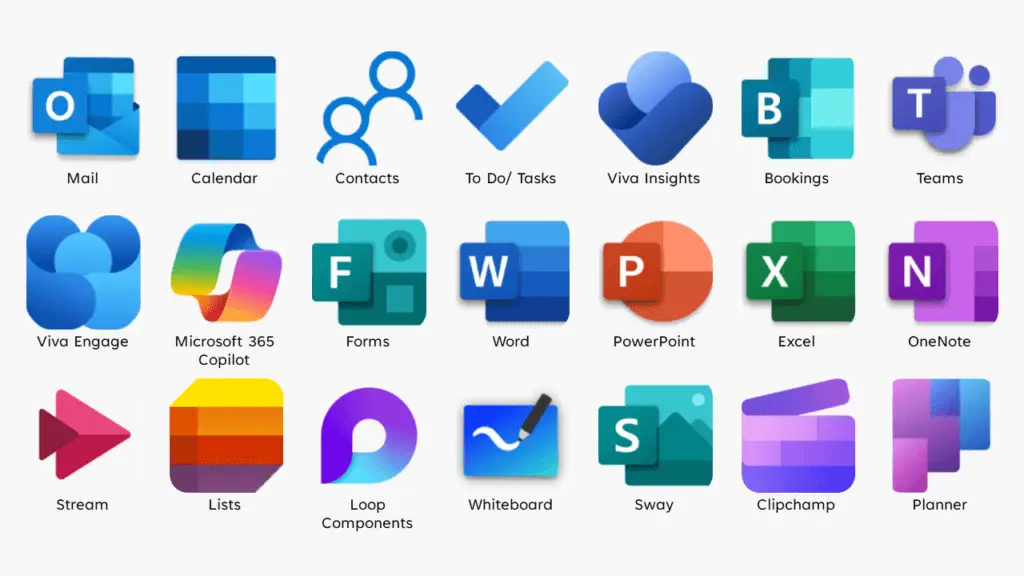
We’ve all seen the marketing: a sleek, unified ecosystem that promises to solve every digital headache by putting your email, files, and calendars under one roof. It sounds like a dream. But for many growing businesses, moving into a massive “All-in-One” environment like Google Workspace or Microsoft 365 can quickly turn into a logistical nightmare.
The truth is that a platform migration is a double-edged sword—it can be a gift of efficiency or a curse of technical friction.
The Problem: The Hidden Complexity of “Simplicity”
When you move your entire operation into a massive ecosystem, you aren’t just changing your email provider; you are rerouting the central nervous system of your business.
The common pitfalls include:
- Routing Purgatory: Complex email routing rules can lead to “missing” emails or messages trapped in spam filters you didn’t even know existed.
- The Workflow Wall: Many all-in-one systems are designed with a specific philosophy. If your team relies on deep desktop integration and the new platform wants you to live entirely in a browser, productivity hits a wall.
- Feature Overload: You end up paying for fifty tools when you only needed three, creating a cluttered environment that confuses your staff.
The Insight: Prioritize “Fit” Over Fame
It is easy to get swayed by the biggest brand names in the industry. However, Platform “Fit” is far more important than the logo on the login screen.
The right system should act as a silent partner that supports your existing habits. If you love your desktop sync and local file management, a platform that forces you into a “cloud-only” web interface isn’t an upgrade—it’s a hurdle. A system should adapt to how you work, not force you to rebuild your professional identity just to send an invoice.
Immediate Action: Build Your “Shield List”
Before you pull the trigger on an impulsive “upgrade” that might create more problems than it solves, sit down and define your non-negotiables. Create a Must-Have List to protect your workflow from shiny-object syndrome.
Consider these criteria:
- Desktop Experience: Do you need deep integration with your computer’s file system (like Finder or File Explorer), or are you comfortable working in a browser?
- Support Access: When things break at 2:00 PM on a Friday, do you need a 24/7 human on the phone, or are you okay with a chatbot and a forum?
- Specific Legacy Tools: Will your existing specialized software (like your CRM or security tools) actually talk to this new giant ecosystem?
The Bottom Line
A migration should feel like moving into a custom-built home, not trying to squeeze your life into a pre-fab box. Take the time to audit your “Must-Haves” today. Protecting your business from a bad migration is much easier—and cheaper—than trying to untangle a “Missing Email” error three months from now.
Final Thought: The most expensive platform in the world is the one that gets in your way. Focus on the fit, and the efficiency will follow.